No. 01 · Measurement utility · Specification sheet
Sound Meter — Decibel dB Meter
A free sound level meter for Android, by Ardesse Apps.
Sound Meter is a free Android app that measures ambient loudness with the phone's microphone and shows an approximate sound pressure level in decibels (dB). It is a decibel meter for everyday use: checking how loud a room, a street, an office, or an event is, and comparing one situation with another. It works fully offline, has no ads in the current version, and requires no account.
- Platform
- Android
- Price
- Free; no ads in the current version
- Current version
- 1.4.0
- Languages
- 16: English, Arabic, French, German, Hindi, Indonesian, Italian, Japanese, Korean, Polish, Portuguese, Russian, Spanish, Thai, Turkish and Urdu
- Package name
- com.uzairalimurtaza.soundmeter
- Developer
- Ardesse Apps
- Get it
- Sound Meter on Google Play
- Privacy
- Privacy policy — no data collection
Screens
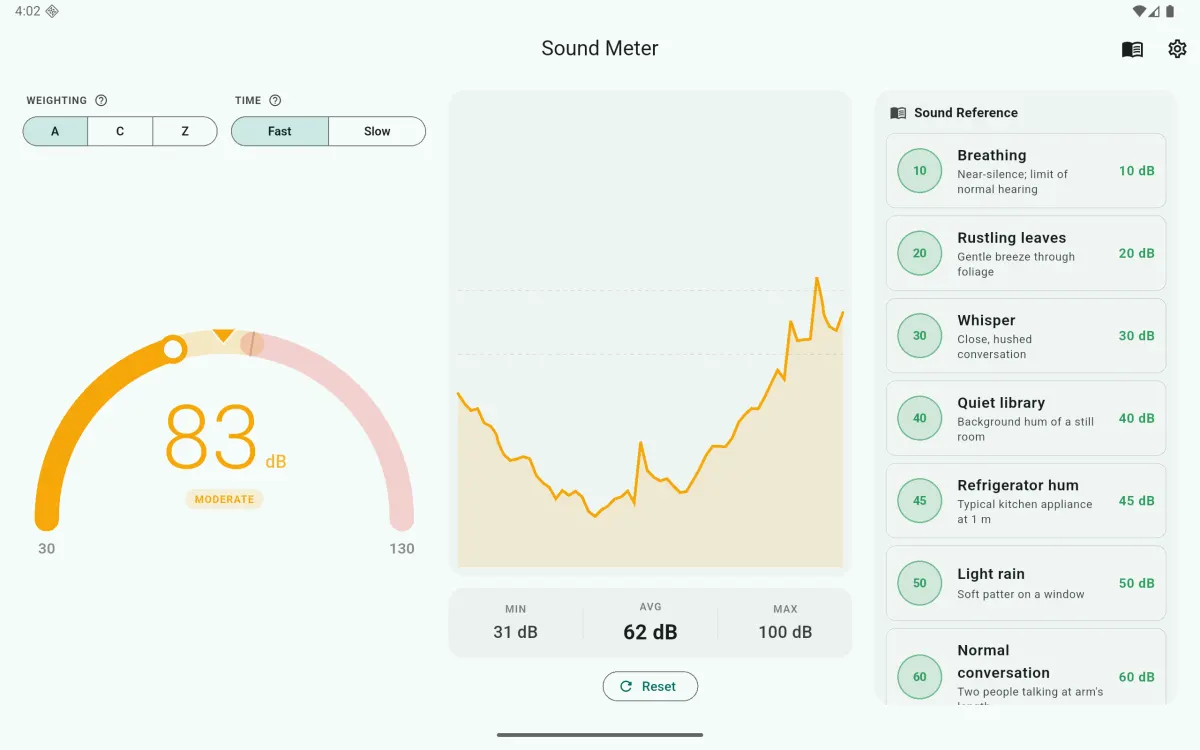
What it measures
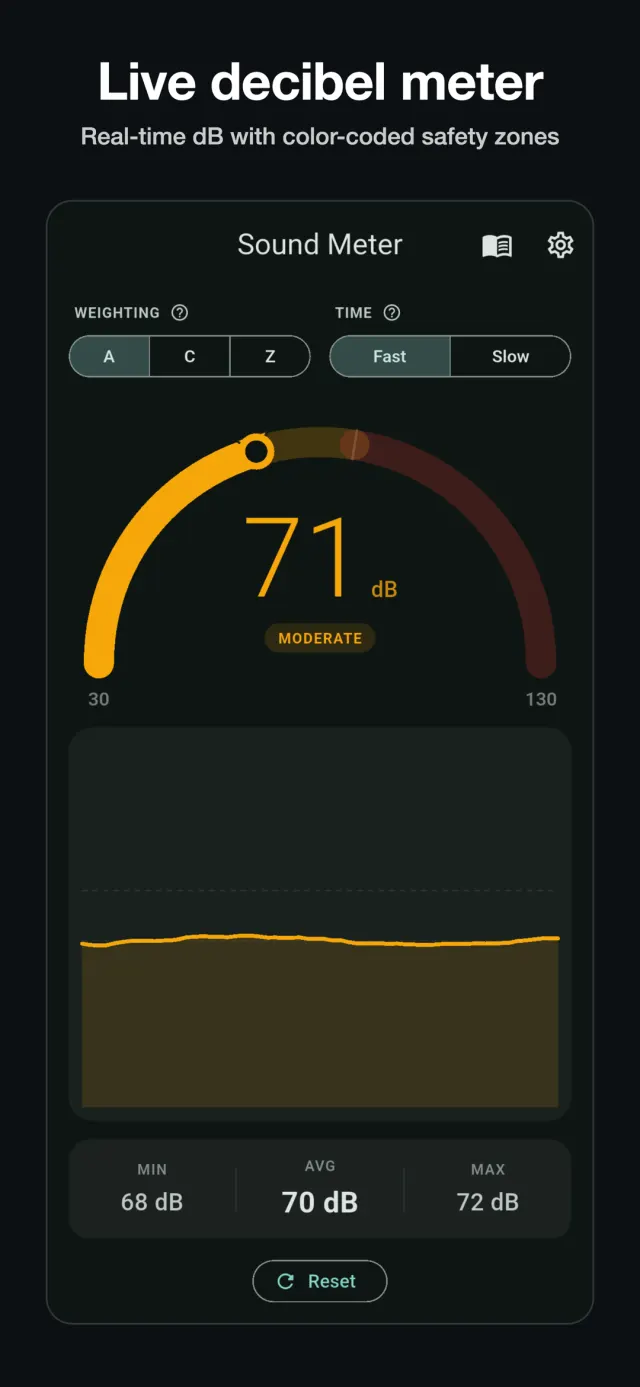
The app reads the microphone signal, computes its level in real time, and displays it as an approximate sound pressure level in dB. The gauge covers 30 to 130 dB; internally, readings are clamped to the range 20–130 dB. The display updates live while the app is open and measuring; the meter runs only while you are using it.
Features
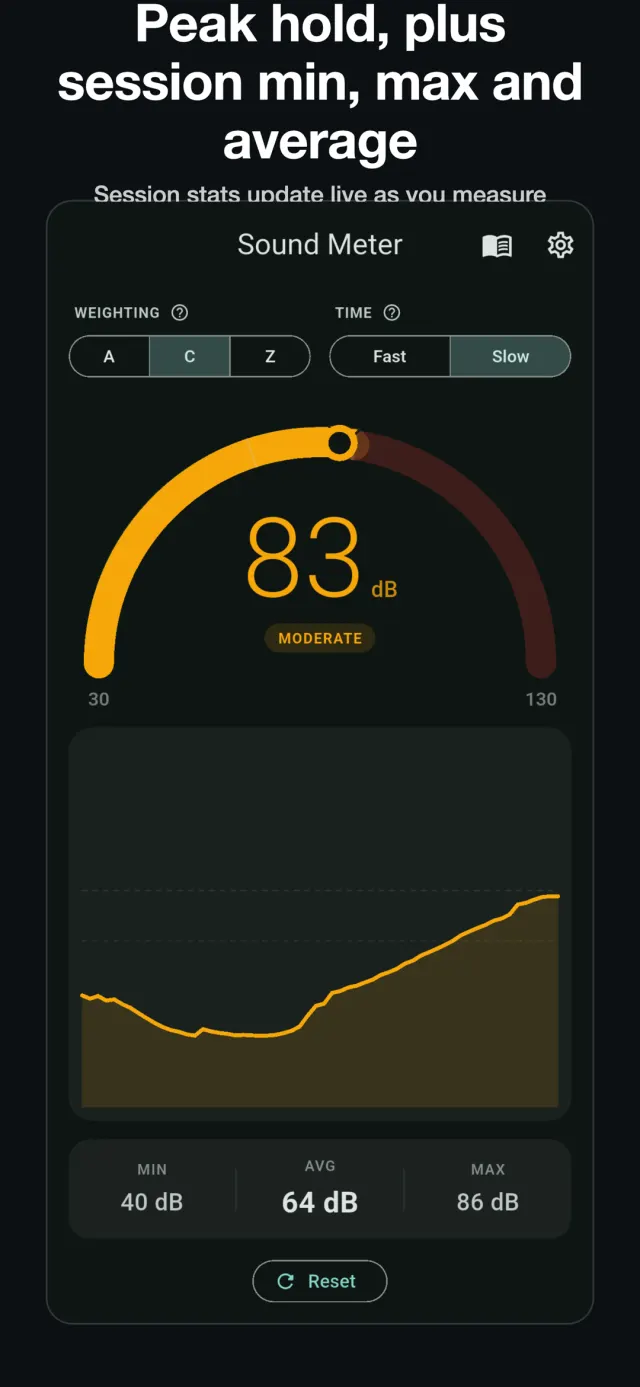
- Live arc gauge with color zones: green below 70 dB, amber from 70 to 85 dB, red at 85 dB and above. A peak-hold marker shows the highest recent reading.
- Rolling trend chart of the level over the recent past.
- Session statistics: minimum, maximum, and average level for the current measuring session.
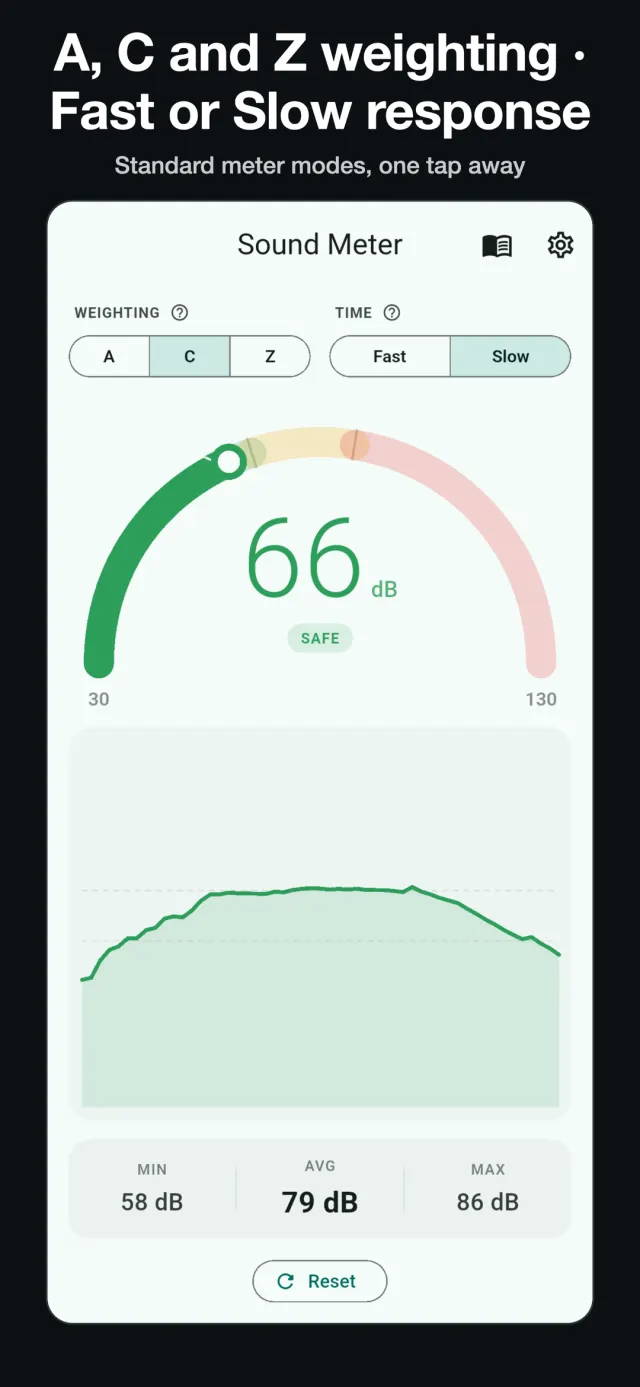
- A, C, and Z weighting. A and C apply the IEC 61672 frequency-weighting curves as digital filters on the microphone signal; Z is unweighted. The phone's microphone itself is not calibrated, so weighted readings are still estimates.
- Fast and Slow time response. Genuine exponential time-averaging with the conventional sound-level-meter time constants: 125 ms (Fast) and 1 s (Slow).
- Manual calibration slider, adjustable by ±20 dB, so readings can be aligned against a known reference level.
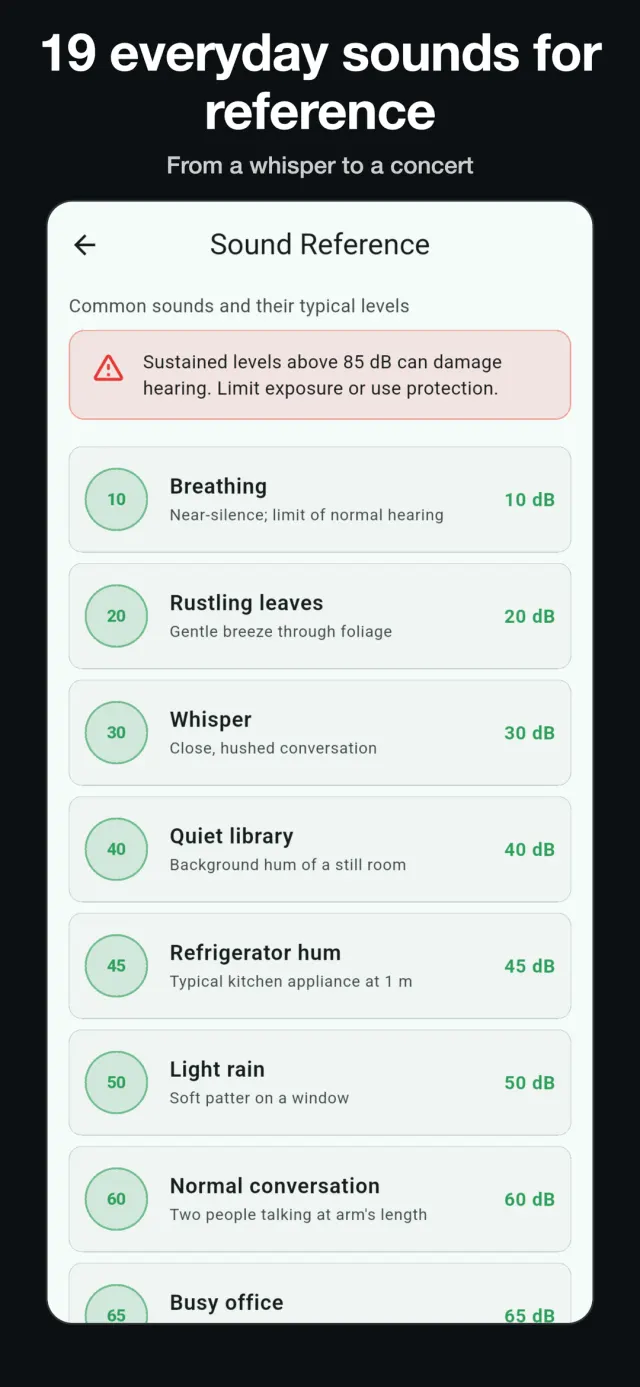
- Reference guide of 19 everyday sounds (for example a quiet room, normal conversation, city traffic) with their typical levels, for context.
- Hearing-safety advisory shown when the level is above 85 dB, based on WHO and NIOSH guidance on noise exposure.
- Saved sessions with the full level graph, notes and place, plus CSV export through your phone's share sheet.
- Optional audio clip with each session: off by default, saved only on your phone, and deleted when you delete the session.
- Noise alert when the level passes a threshold you set (it works while the app is open and the screen is on), and a full-screen classroom traffic light.
- Frequency analyzer and a noise-dose estimate (an estimate, not a certified dosimeter).
- Photo stamped with the dB reading, kept in the app or saved to your gallery (Android 10 and newer); a shareable result card; a home-screen widget; and a Quick Settings tile that opens the meter.
- Pause and resume, keep the screen on, upside-down mode (microphone toward the sound), left-handed controls, and needle or digital gauge styles.
- Dark mode, and full offline operation. No account, and no ads in the current version.
Accuracy
Phone microphones differ by several dB between models, and none of them is a laboratory instrument. Readings from Sound Meter are estimates, useful for screening and for comparing one situation with another. The app is not a certified measurement instrument and does not meet IEC 61672 Type 2 requirements. Calibrating the app against a known reference — for example a dedicated sound level meter reading taken in the same place — improves the consistency of its readings on your particular device.
Privacy
The sound level is calculated on the device, in real time. Nothing is recorded unless you switch on the optional audio clip, which is off by default; a clip is kept only on your phone with its session, is never uploaded, and is deleted when you delete the session. Photos with the dB reading are saved on your phone; a photo you save to the gallery is then handled like your other pictures. The app's own copies of clips and photos are left out of Android backups. The app itself sends nothing off the phone; you can share a CSV file or a photo yourself. The app collects no data of any kind — no account, no analytics, no tracking. The full policy is published at uzairalimurtaza.github.io/soundmeter-privacy.
Get the app
Sound Meter is available on Google Play: play.google.com/store/apps/details?id=com.uzairalimurtaza.soundmeter.
Questions about the app can be sent to uamurtaza.apps@gmail.com.